How does practice scheduling hold fields, courts, and cages for coaches?
Date published: October 20, 2026
Updated: October 20, 2026
Author: Kelly Fansler, Founder HoldATime
Practice scheduling uses fields, courts, cages, and other resources to hold time for coaches and build the week from their preferences.
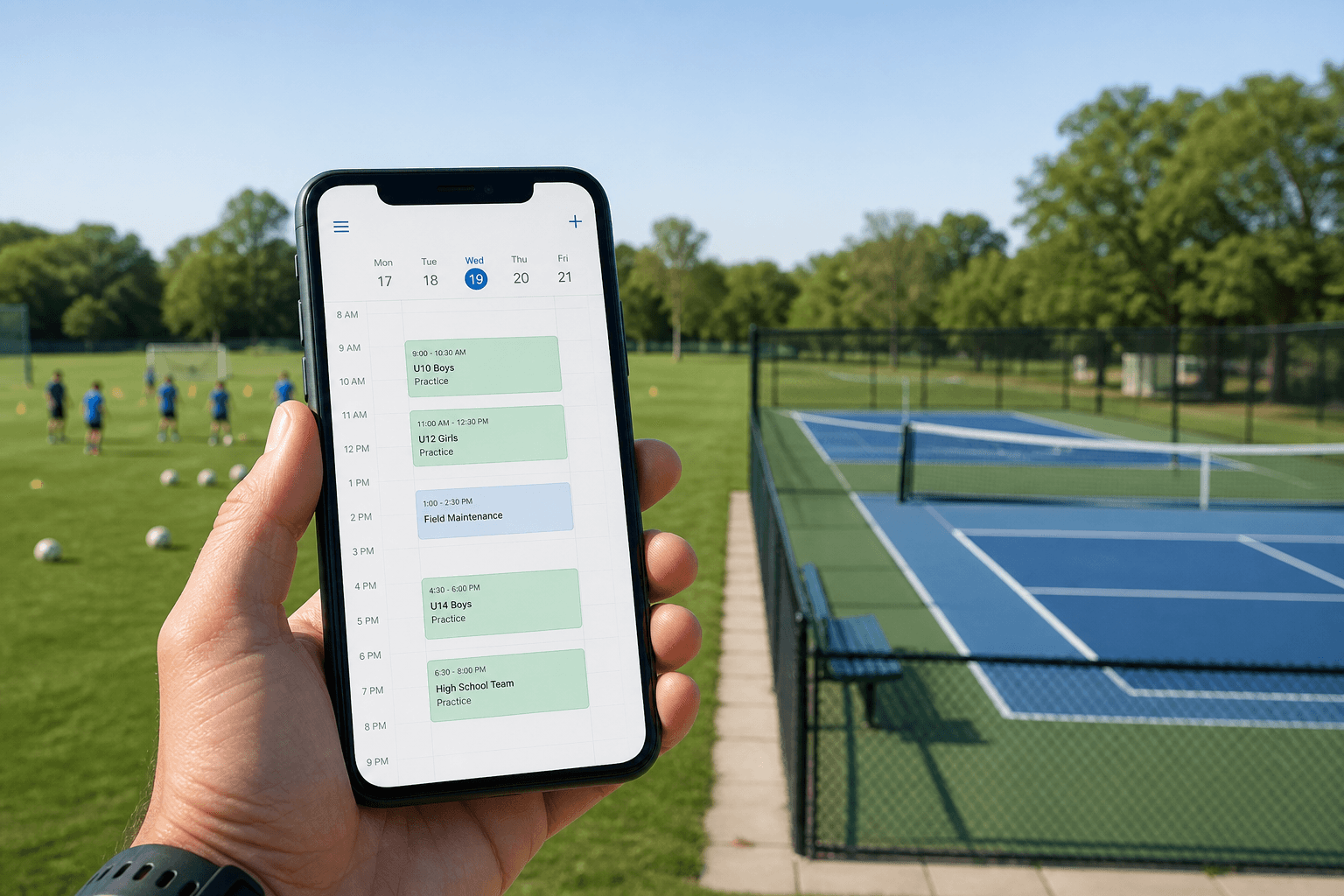
Practice scheduling uses fields, courts, cages, and other resources to hold time for coaches and build the week from their preferences. An admin sets the resources and the hours that are open. Coaches rank the times they can take. The schedule is built from those rankings, then published as weekly reservations.
This is different from a coach booking one open slot on the calendar. Practice scheduling builds the week from ranked times. For standing holds that coaches book themselves, see How to schedule team practices on shared fields and courts.
Before you start
- Scheduling is on for the organization.
- The fields, courts, cages, or other resources already exist.
- You can open Scheduling as an admin, or as a coach on an open draft.
How to build a practice week from coach preferences
- Set up the draft. Create a draft plan with a name, dates, practice length, and a weekly maximum. Choose fields, courts, cages, or other resources. When a resource has more than one unit, say how many units one practice uses. Choose the open days. One start time and one end time can apply to every selected day, or each day can have its own hours. Saving turns those hours into practice-length times.
- Collect preferences. Add coaches to the plan, or invite them by email if they do not have an account yet. On an open draft, each coach sets how many practices they want that week, how many units they need, and a rank for the times they can take. Rank 1 is the first choice. A coach can rank up to twice the weekly maximum. A time left unranked is a time they cannot take. An admin can send one reminder from the participants list. The reminder does not add them again.
- Generate the week. Generate reads the saved ranks and fills the week, best rank first. It will not give someone two practices on the same weekday. It will not put more units on a time than that resource has left. A pin keeps an assignment in place the next time the week is generated. Before generate, the plan is a draft. After assignments exist, it shows as generated.
- Publish the holds. Publish writes a weekly reservation for each assignment, using the resources and units from the plan. Those reservations hold the time for the coaches. Unpublish removes those holds and opens the rankings again so the draft can be changed.
Frequently asked questions
What does practice scheduling use to hold time?
Practice scheduling uses fields, courts, cages, and other resources to hold time for coaches and build the week from their preferences.
Who can rank times?
A person who is on an open draft can rank times. Rankings stay open until the plan is published.
What happens if two coaches want the same time?
Generate uses the saved ranks, best rank first, and shares a time when the remaining units still fit. It will not put more units on a time than that resource has left, and it will not give someone two practices on the same weekday.
Does publish create reservations?
Yes. Publish writes a weekly reservation for each assignment. Unpublish removes those holds.
Sign up free or review HoldATime pricing when you are ready to hold practice time from coach preferences.