
How Groups Set Different Reservation Rules for Coaches, Members, and Guests
Date published: October 15, 2026
Updated: October 15, 2026
Author: Kelly Fansler, Founder HoldATime
HoldATime Groups give coaches, Members, and Guests different booking windows on the same resource, and Groups are included in Core, School, and Pro, and not in Free.
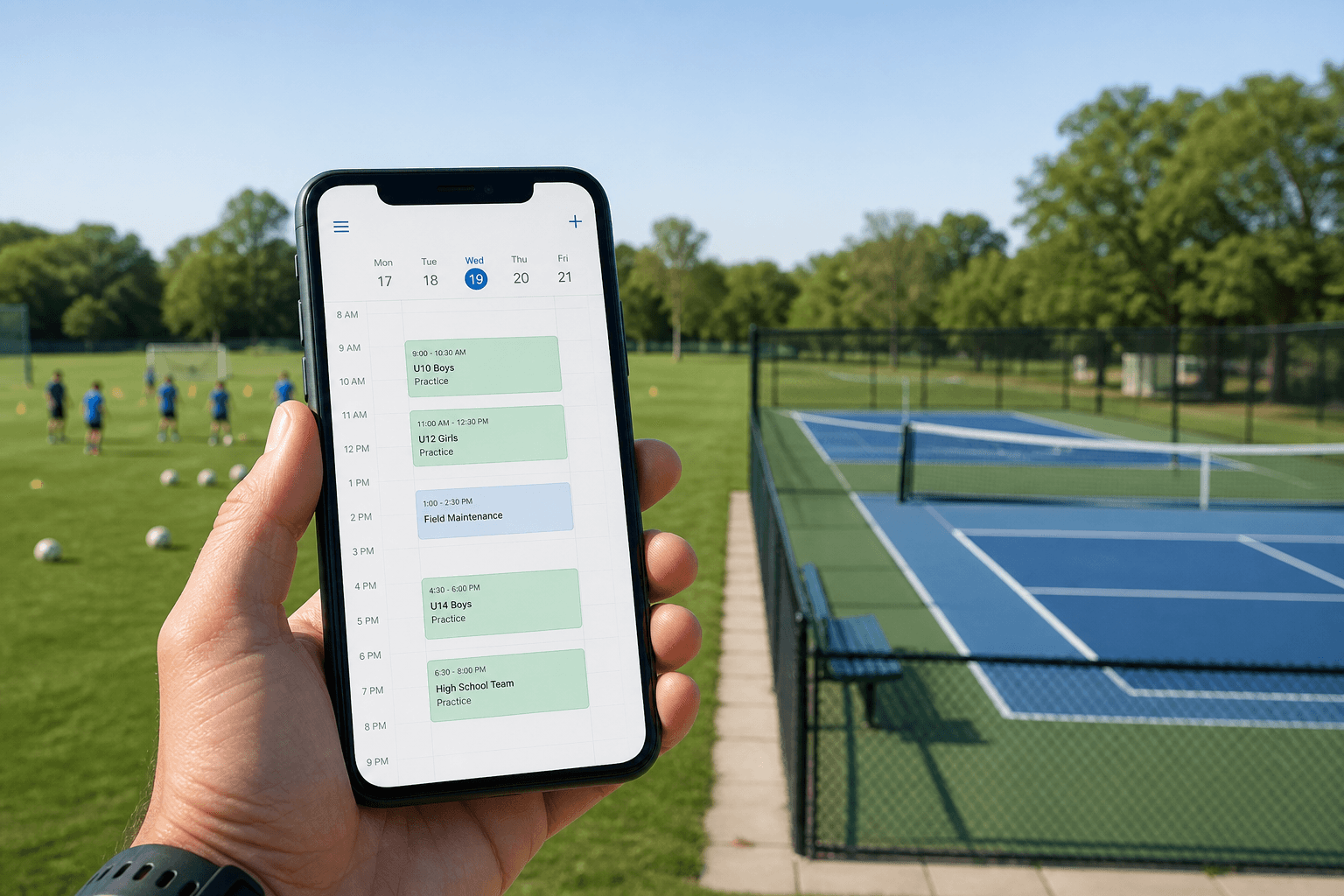
A group is a named set of people in the organization. The resource rules apply to everyone else. A custom rule for a group replaces those rules for people in that group. A custom rule does not let someone book a resource that is limited to other groups.
Coaches, Members, and Guests can share one calendar. Coaches illustrate a school or club field. Members and Guests illustrate a court, room, or clubhouse that both groups can use, with different rules.
Coaches book the field 60 days ahead
Coaches can reserve a soccer field 60 days ahead. Everyone else can reserve 30 days ahead. The field stays open to everyone, so coaches claim the season first and other people fill what is left. There is no separate first-in-line queue. The longer advance window is what lets coaches claim time first.
Members book 21 days ahead and Guests book 7
Members can reserve a court 21 days ahead. Guests can reserve 7 days ahead. The court stays open to both groups. Members see the later dates first. Guests book the time that is still open inside their shorter window.
Members can hold more open reservations
Members may hold more open reservations than Guests. A guest who is not in Members keeps the lower limit. Someone with no custom rule keeps the resource limit.
Members get 90 minutes and Guests get 60
Members can book up to 90 minutes. Guests can book up to 60 minutes on the same court. The court, the calendar, and the open times stay shared. Only the maximum duration changes.
Teachers and coaches use different durations
Teachers get a shorter maximum on a classroom. Coaches get a longer block on the field. The same organization can keep both groups. Each group’s custom rule applies only on the resource where you set it.
A members-only court stays limited to Members
A members-only court uses Restrict to Groups and lists only Members. Guests do not see that court and cannot book it. A custom Guest rule does not grant access. Restrict to Groups is optional on every other resource. Leave it empty when the resource should stay open.
Guests need approval and Members do not
Guests require an admin to approve each booking. Members are confirmed immediately. Both groups can still book the same room. The approval rule is the only difference.
Guests are blocked for a tournament week
A blackout that applies to everyone closes the tournament week. Guests have no replacement blackout, so they stay blocked all week. Members replace that blackout and are blocked only on the final day. They can still book the other days.
Members can reserve more units in one booking
Members can reserve more units in one booking than Guests. One reservation holds those units together, whether the units are courts, cages, or rooms. Guests keep the lower number.
Why one calendar is enough
One calendar replaces a separate field for each audience. The default stays in place for people with no custom rule. A person in two custom groups gets the more open setting on each rule. On a blackout, that person can book a day unless every one of those groups is closed.
Where to set it
- Settings, then Groups. Create the group and add people. Import can attach existing group names from the spreadsheet.
- Restrict to Groups on the resource is optional and only limits who can see and book.
- Group rules on that resource: Same as resource, or Custom. Custom can change the advance booking window, minimum and maximum duration, recurring bookings, whether an admin must approve, how many units one booking can hold, and booking limits. A custom rule does not change who can book.
- Restrictions, on the resource and for the whole organization: Apply to everyone, or one group. A group row replaces the everyone limits for the fields you fill in. Blank fields keep the everyone numbers.
- Blackouts: Apply to everyone, or one group. A group blackout replaces the everyone blackouts for people in that group.
How to set different reservation rules with Groups
- Create the groups. Open Settings, then Groups. Create Coaches, Members, and Guests, and add people to each group. A spreadsheet import can attach group names that already exist.
- Choose who can see the resource. Restrict to Groups is optional. Leave it empty when everyone in the organization may view and book. Select Members only when Guests should not see that court. A custom rule does not grant access.
- Set a custom rule. On the resource, open Group rules. Leave Same as resource for people who should keep the shared rules. Choose Custom to change the advance booking window, minimum and maximum duration, recurring reservations, whether an admin must approve, how many units one booking can hold, and booking limits. Members can book 21 days ahead while Guests book 7 days ahead. Coaches can book 60 days ahead while everyone else books 30 days ahead.
- Replace shared booking limits. On the resource and for the whole organization, a restriction can Apply to everyone or to one group. A group row replaces the everyone limits for the fields you fill in. Blank fields keep the everyone numbers. Members can hold more open reservations than Guests.
- Replace blackouts for one group. A blackout can Apply to everyone or to one group. A group blackout replaces the everyone blackouts for people in that group. Guests stay blocked for a tournament week when that week is the everyone blackout. Members can replace it and stay blocked only on the final day.
Frequently asked questions
What is a group in HoldATime?
A group is a named set of people in the organization. The resource rules apply to everyone else. A custom rule for a group replaces those rules for people in that group.
Where do I create a group?
Open Settings, then Groups. Create the group and add people. A spreadsheet import can attach group names that already exist.
Can Members and Guests book the same court on different windows?
Yes. Members can reserve 21 days ahead and Guests can reserve 7 days ahead. The court stays open to both groups. The longer window is what lets Members claim time first. There is no separate first-in-line queue.
Can coaches reserve a field further ahead than everyone else?
Yes. Coaches can reserve 60 days ahead while everyone else can reserve 30 days ahead. The field stays open to everyone, so coaches claim the season first and other people fill what is left.
Can a guest booking need approval while a member booking does not?
Yes. Set Guests so an admin must approve each booking. Members can be confirmed immediately when their rule is set to None.
Does a custom group rule let a guest book a members-only resource?
No. Restrict to Groups limits who can see and book. A custom rule changes the rules for people who can already book. It does not grant access to Guests when only Members are listed.
Which HoldATime plan includes Groups?
Groups are included in Core, School, and Pro, and not in Free.
Create the resource first with how to set up reservations with HoldATime. For fields and practice blocks, see how coaches schedule practices.
Groups are included in Core, School, and Pro, and not in Free.