
Schedule classes, clinics, and events next to court and room bookings
Date published: November 23, 2026
Updated: November 23, 2026
Author: Kelly Fansler, Founder HoldATime
Schedule clinics, lessons, and events beside court and room bookings. Members enroll online. Charge with your own Stripe account. Free to start.
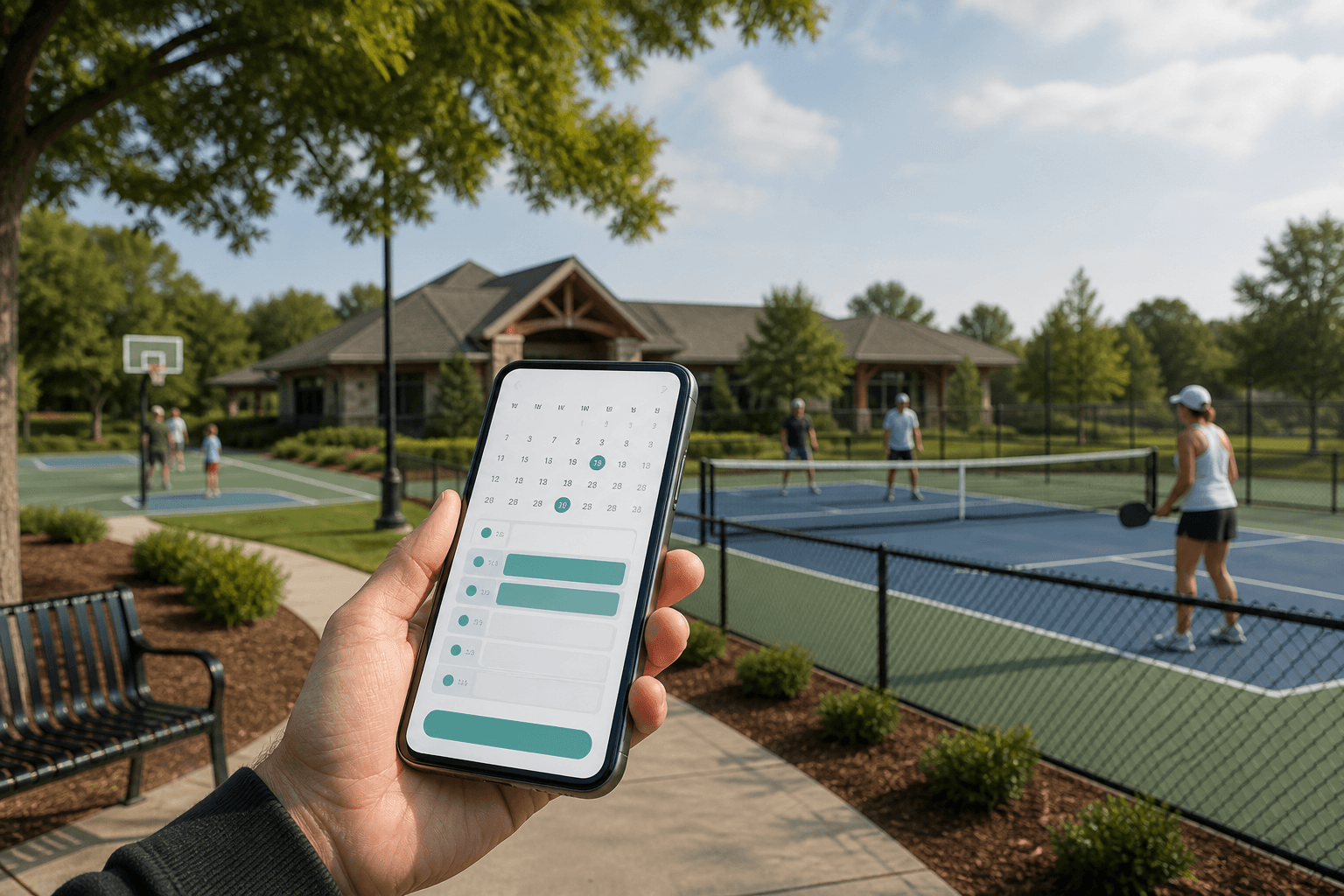
A Tuesday clinic should not live in a separate spreadsheet from the court it uses. HoldATime can schedule a class, lesson, or community event on the same calendar as the court, cage, or room. Members enroll online. You can charge for the class, or leave it free.
Clubs use it for tennis and pickleball clinics, batting-cage lessons, golf-bay coaching, and school gym or room events. An HOA can use the same setup for a community event. The feature is Beta, and it stays off until an admin turns it on.
What you can schedule
Create a Class or an Event. It can happen once, or repeat daily, weekly, or monthly. Set a name, a description, an instructor, a capacity, and the start date and time. A preview lists the session dates before you publish. Capacity is a hard limit: a full session cannot take another person.
Who can enroll is everyone who can book, or specific groups on Core, Pro, and the School plan. People outside those groups do not see the class.
How members enroll
Members open Reservations, then Classes & events. Each line shows the next session and the spots left, such as 5 spots left or Full. They choose Enroll in session for one date, or Enroll in series for the dates already inside the booking window. A later date stays closed until that window opens, and they enroll again when it does.
Cancel enrollment is available until the session starts. The organization emails the member when they enroll, when they cancel, and when an admin cancels the session or removes them.
Charge for a class
On Core and Pro, turn on Require payments. The price is per session or for the series. The member pays at Stripe Checkout. The money goes straight to your organization’s Stripe account, the same way a paid court booking does. HoldATime does not add a fee.
Connect Stripe first under Setup Organization, then Billing. If it is not connected, the class form says to connect Stripe payments before charging. Refunds are issued in your own Stripe dashboard. HoldATime does not refund a class inside the app, and a refund in Stripe does not cancel the enrollment.
Free, and an approved School plan, can still schedule and publish classes. They cannot turn on Require payments.
Block the court or room
Link the class to a resource, such as Court 2 or the community room. That time is blocked on the resource calendar. Another member cannot book the same court during the clinic. Leave the resource as No resource when the class does not need a space.
That block is not a second reservation on your plan. Each future class session counts as one reservation. Ten people in the same session still count as one.
What each plan includes
- Free. Can schedule classes and events. Create a draft, publish it, and let members enroll.
- Core and Pro. Everything in Free, plus paid classes and limiting enrollment to specific groups.
- School. Approved US public K-12 schools can schedule classes and events and can use groups. They cannot charge for a class.
See HoldATime pricing for the reservation caps. A weekly class with eight future sessions uses eight of those reservations.
Set it up in three steps
The click-by-click version, with every field label, is how to set up classes and events in HoldATime.
- Turn it on. Open Setup Organization, then Customer features, and turn on Enable classes and events. Classes & events then appears under Resources in the Advanced menu.
- Create and publish. Choose Create class or event, set the schedule and capacity, Save, then Publish. Publish creates the sessions.
- Let members enroll. Members open Reservations, then Classes & events. They enroll in a session or in the series dates already inside the booking window.
Clinics fit tennis and pickleball courts, batting cages, and sports fields.
Frequently asked questions
Can HoldATime schedule classes and events as well as court reservations?
Yes. Classes and events is a Beta feature. An admin turns on Enable classes and events under Customer features. Members then see Classes & events next to their reservations. It stays hidden until that switch is on.
Can members enroll in one class session or a whole series?
They can enroll in one session, or in the series dates that are already inside the booking window. A later date says it opens when it is inside the booking window. Later dates are not added to an enrollment automatically.
How do paid classes work in HoldATime?
On Core and Pro, turn on Require payments and set a price per session or for the series. The member pays with Stripe Checkout. The money goes to the organization’s own Stripe account. HoldATime does not take a fee. Refunds are done in that Stripe dashboard, not inside HoldATime.
Can a class block a tennis court, batting cage, or room?
Yes. Link a Resource on the class. That time is blocked on the resource calendar so another booking cannot take the same court, cage, or room. Leave the resource as No resource if the class should not hold a space.
Is class scheduling included on the free plan?
Yes. Free can schedule, create, and publish classes and events. Paid classes and limiting enrollment to specific groups need Core or Pro. Each future scheduled session counts as one reservation toward the plan limit. The number of people enrolled does not.