Reservation software compared for courts, fields, rooms, and shared resources
Date published: August 15, 2026
Updated: October 15, 2026
Last reviewed: September 29, 2026
Author: Kelly Fansler, Founder HoldATime
A software comparison for clubs, schools, and facilities that share courts, fields, gyms, and rooms — what to require, what to skip, and how to choose fairly.
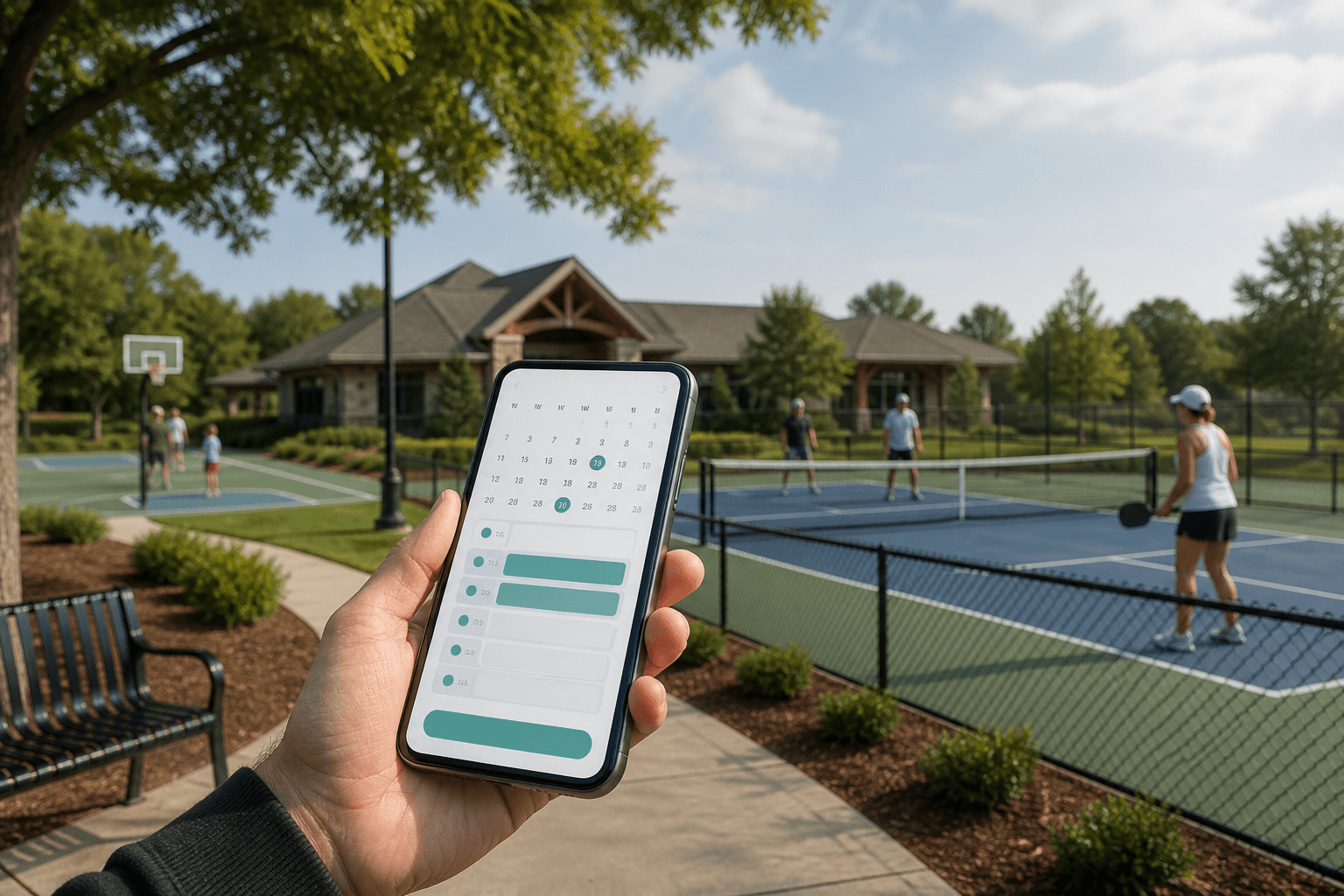
Educational comparison — not legal advice. Published August 2026.
The problem is not “finding software”
Most clubs, schools, parks, and sports facilities do not start the week looking for reservation software. They start it with a double-booked pickleball court, a field two teams both believe they reserved, or a gym two coaches both think they have. The tool in the middle is often a clipboard, a shared spreadsheet, or a group chat. The person in the middle is a volunteer, a coach, or a facilities secretary who did not sign up to referee Saturday mornings.
Fairness fights follow the same script. One household or team books every prime slot. A coach holds a field “for the season” with no release rule. A resident’s guest parks in the last visitor space. Someone else did the same thing last month and was told it was fine. Without a live schedule and rules that apply the same way to everyone, the organization becomes the enforcer — or it looks arbitrary when it tries.
Admin time is the quiet cost. Checking the sheet, answering “is 6pm open?”, rewriting the same yes/no in email, and reconstructing what happened after a conflict can consume more hours than the amenity is worth. Paper and chat do not prevent collisions. They only record them after the fact, if the record still exists.
This guide is a buying and methods comparison, not a setup walkthrough. If you already know you need written rules and a one-week pilot, use How to Set Up Fair Court, Field & Amenity Reservations. Here the question is different: what does an organization actually need, which approaches fit which jobs, and how to choose without paying for a country-club suite — or staying on a clipboard that already failed.
Reservation software comparison at a glance
This table summarizes the detailed notes below. It is not a ranking. Pricing reviewed September 2026. Verify current pricing with the vendor before purchase.
| Product | Primary fit | Starting price | Main distinction |
|---|---|---|---|
| HoldATime | Shared resources: courts, fields, rooms, parking, equipment | Free plan; Core $15/month | Lightweight self-service booking, Groups, and QR or on-site passes |
| SuperSaaS | Configurable scheduling for appointments, classes, and resources | Free for non-commercial use (50 future appointments); paid from $9/month | Broader scheduling flexibility; you design most rules yourself |
| CourtReserve | Racquet and paddle clubs | Launch $199/month, or $159/month billed annually, for 8 courts | Memberships, lessons, leagues, and club programming |
| Skedda Workplace | Offices and universities sharing desks and rooms | Pricing varies | Workplace workflows, including SSO and Microsoft 365 or Teams where published |
| AllBooked by Skedda | Community venues, sports, studios, and coworking | Core $99/month billed annually, up to 3 spaces; 14-day trial | Booking rules, payments, and community or public booking |
| AmenityResy | Residential and multifamily amenity booking | Unit-based; see the vendor pricing page | Built around apartment and condo amenity calendars |
| HOAResidents | HOA websites and resident tools, with reservations included | See HOAResidents pricing | Reservations sit inside a broader HOA platform, not a public booking product |
For a head-to-head on two products, see HoldATime vs SuperSaaS, HoldATime vs CourtReserve, and HoldATime vs Skedda / AllBooked.
What organizations actually need
Start with outcomes, not brand names. A tennis club, a school athletics office, and a municipal court will describe the same failures in different words. The capabilities below separate tools that reduce conflict from tools that only store a calendar.
Must-haves
- Live availability. Anyone who is allowed to book should see the same open and held times — on a phone at the fence, not only on a desktop in the office. If two people can still believe a slot is free, you do not have a system of record.
- Conflict prevention. Overlapping holds should be impossible, not “resolved later.” This is the difference between a reservation tool and a shared document.
- Fair-use rules you can state in one page. Duration limits, daily or rolling caps, cleaning or turnover buffers, and an advance booking window. If the product cannot enforce the rules you already wrote, a volunteer will enforce them by hand.
- Groups or equivalent access control. Coaches, Members, Guests, staff, residents, and the public should not all see the same catalog. A practice field, a fellowship kitchen, and a public court are different permissions. Groups can also change the rules for people who can already book. Members can book further ahead or hold more reservations, and Guests can require approval or a shorter window. Coaches can reserve a field 60 days ahead while everyone else reserves 30 days ahead.
- Mobile booking. Most collisions happen when someone is already at the space or in a car. A tool that only works on a laptop in the office recreates the clipboard.
- Low setup for non-technical managers. If only one power user can add an amenity or change a rule, you have a single point of failure. Volunteer boards and school secretaries need a path they can finish in an evening.
Nice-to-haves (buy them when you need them)
- QR posters and on-site passes. A code on the court fence, kitchen door, or parking sign answers “is this open?” without a phone call. A printable confirmation helps at gates and guest lots. Essential for unstaffed amenities; optional if a desk already checks people in.
- Approvals. Useful for paid events, first-time outside groups, or alcohol in a clubhouse. Harmful if every Tuesday pickleball slot waits on email.
- Payments and point of sale. Lessons, memberships, and paid rooms need this. Casual member courts and church kitchens often do not.
- Recurring series. Leagues and class schedules need it. Open play usually should not allow unlimited recurring holds.
- Full resident or membership portal. Documents, messaging, and a property roster matter for HOAs — those bookings belong on HOAResidents.com amenity reservations. They are extra weight for a municipal court or a school gym.
A fair comparison asks whether a product can do the must-haves for your amenity list — not whether it can also run a pro shop. Paying for unused complexity creates the same problem as a clipboard: more work than the organization can staff.
HOA amenity bookings
This comparison is for clubs, schools, and public courts and fields. If you need HOA amenity bookings next to a resident website, documents, and messaging, use the HOA amenity reservation system on HOAResidents.com. HoldATime is the better fit when bookers are members, staff, students, or the public — not a verified resident roster.
Courts are only one amenity type
Software pages often lead with tennis and pickleball because those words search well. Organizations lose evenings on other resources too. “Fair” means something slightly different for each.
- Sports courts. Short holds, high contention at evenings and weekends, and a strong need for duration caps so one group cannot stack prime time. QR at the fence matters because there is often no attendant.
- Sports fields. Longer blocks, coaches and leagues, and a mix of practice vs game use. Groups help: athletics staff may see Field 1–3 while a booster club only sees the pavilion. Recurring holds need a release or review rule.
- Clubhouse and community rooms. Half-day or evening events, cleaning buffers, and occasional deposits or approvals. Conflict is social as much as calendrical — the same family booking every Saturday is a policy problem, not only a software problem.
- Church kitchens and fellowship halls. Ministry teams vs outside rentals, leftover food and equipment, and buffers so the next group is not walking into a dirty line. Access lists matter more than public open booking.
- Meeting and conference rooms. Schools and civic buildings need staff-only or class-period rules. Duration may be a period or a two-hour block. General calendars sometimes suffice if the room is staffed and internal-only.
- Parking and guest spots. Many short holds, vehicle details when required, and a pass or confirmation people can show. Units (Spot 1–12) are more honest than one “guest lot” that overbooks.
- Shared equipment. Carts, projectors, scoreboards, and keys. Checkout and return windows matter; overnight rules matter. A calendar without unit names becomes “I thought you had the projector.”
If a product can only model “a court,” you will invent workarounds for kitchens and parking. If it can model a named resource, duration, buffer, and who may book, the same setup works across the list.
Common approaches — what they solve and where they stall
Most organizations climb this ladder. Skipping a rung is fine. Pretending a lower rung can enforce caps is how Saturday conflicts return.
Paper and clipboards
A sheet on a fence or kitchen door is visible and cheap. It fails as soon as two people are not standing in front of it, the paper gets wet, or someone photographs last week’s grid and argues from the photo. There is no conflict prevention, no cap, and no history you can audit. Paper is a notice board, not a reservation system.
Shared spreadsheets
Better than paper for history and remote access. Still easy to overwrite, awkward on a phone at the field, and silent when two people edit the same cell. Formulas and conditional formatting do not equal locks. Spreadsheets are a good policy draftand a poor live schedule.
General calendar tools
Google Calendar, Outlook, and similar products are familiar. They work for a staffed office with a few internal rooms and people who already have accounts. They are weak at public booking, per-person caps, guest vs member catalogs, and a QR poster that opens only one amenity. If your “bookers” are not all on the same email domain, you will spend the savings on account administration.
CourtReserve
CourtReserve is a club operations platform aimed at tennis and pickleball: court booking, public booking, payments, lessons, events, and membership tools. Public pricing on courtreserve.com/pricing (reviewed August 2026; the same Launch figures appear on the vendor pricing page) lists Launch at about $199/month for up to 8 courts, or about $159/month when billed annually, with higher plans about $369–$549/month. That is a fair price if you run lessons and a pro shop. It is more product than a school meeting-room set or a park court usually needs. This guide does not claim CourtReserve cannot book other spaces — only that its published positioning and price point are club-operations first.
SuperSaaS
SuperSaaS is a general online scheduler for appointments, classes, and resources. Public pricing on supersaas.com/info/pricing (reviewed August 2026) describes a free option for non-commercial use (about 50 future appointments) and paid plans from about $9/month for 100 future appointments, then higher caps. The vendor states there is no limit on staff, locations, or schedules, and that you can return to the free version. Fair-use rules, groups, and on-site QR flows are things you configure in a general scheduler — they are not a dedicated amenity product. SuperSaaS can be the right buy when you want a flexible calendar engine and are willing to design the policy in the tool yourself.
Skedda Workplace and AllBooked
Skedda and AllBooked share a booking engine and are sold as different products. Skedda’s AllBooked FAQ says Skedda Workplace is aimed at offices and universities, with workplace features such as SSO and Microsoft 365, Google Workspace, or Microsoft Teams integrations. AllBooked is aimed at venues that book spaces for customers, members, and the community — athletic facilities, studios, coworking, and similar sites — and publishes payments and pricing rules that Workplace does not lead with.
AllBooked pricing (reviewed September 2026) lists Core at $99/month billed annually for up to 3 spaces, Business at $149/month, and Advanced at $199/month, with a 14-day trial and no permanent free plan on that page. Advanced includes interactive facility maps. Skedda Workplace pricing is not a single published starter price on the pages reviewed here, so treat it as pricing that varies and confirm it with the vendor. Neither product is a numbered-stall parking or equipment-checkout specialist. HoldATime stays narrower: courts, fields, rooms, parking, and equipment with self-service rules and QR or on-site passes, without workplace floor plans or a full club-operations suite.
AmenityResy
AmenityResy markets amenity booking for apartment and multifamily buildings. Public pricing on amenityresy.com/pricing (reviewed August 2026) is $1 per unit per month plus a $5 monthly service fee, with a 90-day free trial. A 50-unit building is about $55/month on that math. The model is residential unit count, invite codes, and property-manager workflows. That is a poor fit for a public municipal court or a school with no “units.” HOA and condo amenity bookings that need a resident portal belong on HOAResidents.com. Do not assume AmenityResy is designed for open community booking; the public site describes apartment, condo, and townhouse portfolios.
HOAResidents.com reservations
HOAResidents.com is an HOA website and resident portal that includes an HOA amenity reservation system for residents and guests — not a general public booking product. Public founding terms (reviewed August 2026 on hoaresidents.com/pricing) state full platform access free through January 1, 2027 for communities that sign up, with Core planned at about $20/month or $200/year per 100 homes. Reservations sit next to messaging, documents, and a property roster. Choose it when the HOA needs the portal, not only a court calendar. Choose HoldATime when the bookers are members, staff, students, or the public.
HoldATime
HoldATime is amenity and resource reservation software for clubs, schools, parks, and facilities that share courts, fields, gyms, and rooms. Public pricing on holdatime.com/pricing (reviewed August 2026) includes a Free plan with a landing page, unlimited amenities and users, and up to 50 future reservations; Core is $15/month or $150/year; Pro is $30/month or $300/year. The product emphasis is fair-use rules, Groups, QR posters and passes, and a simple public booking page. Booking fees are optional: connect Stripe on Core or Pro (not Free); HoldATime keeps $0 and money goes to your organization’s Stripe account. See how to set up payments for amenity reservations. It is not a lesson/POS club suite. HOA amenity bookings with a resident portal belong on HOAResidents.com. Details are in the later section; they belong after the comparison, not instead of it.
Comparison table
Columns describe typical published positioning, not a lab test of every feature flag. Prices and capabilities change. Confirm the current vendor page before you buy. Sources and review month are in the paragraphs above (August 2026 unless noted).
| Tool | Starting price / free tier | Primary fit | Fair-use rules | Groups / access | QR or on-site pass | Setup difficulty | Notes |
|---|---|---|---|---|---|---|---|
| Paper / clipboard | Free, plus volunteer time | Very small groups that already meet in person | None (honor system) | Whoever can reach the sheet | The sheet itself | Trivial | No conflict lock. Record disappears. |
| Shared spreadsheet | Free with existing office tools | Internal teams drafting a policy | Manual | Link permissions only | No | Low | Remote access, weak on phones, easy overwrite. |
| General calendar (Google, Outlook, and similar) | Often included with email | Staffed offices, few internal rooms | Limited; not amenity-first | Calendar sharing / domain accounts | Not purpose-built | Low if everyone has accounts | Weak public booking and per-person caps. |
| CourtReserve | Launch about $199/month (up to 8 courts) or about $159/month annual; higher plans about $369–$549/month (public pricing page, August 2026) | Tennis / pickleball clubs with lessons and memberships | Club booking rules (vendor feature set; confirm for your amenities) | Membership-oriented club tools | Confirm current on-site / public booking options on the vendor site | Medium to high (club operations suite) | Priced and positioned for club programming, not a single kitchen. |
| SuperSaaS | Free non-commercial (~50 future appointments); paid from about $9/month for 100 future appointments (public pricing page, August 2026) | Any resource you are willing to model yourself | Configurable in a general scheduler | Configurable; not amenity-catalog-first | Not marketed as amenity QR posters / passes | Medium (you design the schedules) | Flexible engine. You own the policy design. |
| AllBooked by Skedda | Core $99/month billed annually for up to 3 spaces; 14-day trial (September 2026) | Community venues, sports, studios, coworking | Booking and pricing rules on published plans | Public and private booking; roles on higher plans | Not the product’s focus | Medium | Separate from Skedda Workplace. Advanced adds facility maps. See HoldATime vs Skedda / AllBooked. |
| AmenityResy | $1/unit/month + $5 fee; 90-day trial (public pricing page, August 2026) | Apartments, condos, multifamily portfolios | Amenity hours and building policies (vendor site) | Resident invite codes / building admin | Confirm current pass or poster features on the vendor site | Low to medium for unit-based buildings | Priced on residential units, not public clubs or schools. |
| HOAResidents.com | Free through January 1, 2027 for founding HOAs; Core about $20/month or $200/year per 100 homes (pricing) | Self-managed HOAs that need a resident portal plus amenity reservations | Amenity rules for residents and guests | Residents, guests, board — not open public booking | Printable passes and on-site QR schedules (product docs / site) | Medium (portal + roster) | Use for HOA amenity bookings, not public club or school courts. |
| HoldATime | Free: landing page, unlimited amenities/users, up to 50 future reservations. Core $15/month or $150/year; Pro $30/month or $300/year (pricing, August 2026) | Clubs, schools, and public facilities that need bookable courts, fields, and rooms | Duration, windows, buffers, optional approvals | Who can book, plus different rules for Members, Guests, and coaches | QR posters and confirmation passes | Low for a first resource | Not a lesson POS suite. HOA amenity bookings belong on HOAResidents.com. |
Read the “Notes” column before the price column. A $9 general scheduler can be enough for one internal room. A $199 club platform can be the right buy if you run lessons. A free HOA portal is the wrong product for a municipal court that should be open to the public. Match eligibility (who may book) before you match price.
A decision framework by organization type
Use this as a filter, not a scorecard. If two rows fit, pick the lighter tool that can still enforce your written rules.
- School or district (classrooms, fields, meeting rooms). You need staff vs student vs community access, named rooms, and a calendar people already understand. A general calendar can work for internal-only rooms. Dedicated reservation software helps when coaches, community rentals, and QR at the field enter the picture. Coaches can book 60 days ahead on the same field while everyone else books 30 days ahead. Club suites priced per court are usually the wrong shape.
- Church or civic nonprofit (kitchen, hall, parking). Access lists and buffers matter more than lessons or POS. Avoid products that assume memberships and court counts. A free or low-cost amenity tool — or SuperSaaS if you want to design schedules yourself — is usually enough.
- Sports club with programming (lessons, leagues, dues). If you need payments, memberships, and court programming in one vendor, CourtReserve-class products exist for that job. If you only need fair open-play holds and a public page, you can stay lighter.
- Municipal or open facility (public courts, event rooms). Public booking and a poster at the site matter. Resident-only HOA portals and per-unit apartment tools will fight you. Look for a public landing page and optional registration, not a property roster.
- HOA or condo (clubhouse, guest parking, courts). This comparison is for clubs, schools, and public courts. For HOA amenity bookings with a resident website, documents, and messaging, use HOAResidents.com amenity reservations.
- Very small group (one room, everyone already meets). A spreadsheet plus a written rule page can be honest for a season. Move when the first double-booking costs more time than setup.
How HoldATime addresses the core needs
HoldATime is one option after the policy is written. You do not have to use it to follow the framework above. Mapped to the must-haves:
- Live availability and conflict prevention. Bookers see the amenity calendar; overlapping holds are not a shared-cell problem.
- Fair-use rules. Duration, advance windows, buffers, and optional approvals live on the amenity.
- Groups. Limit who can see or book a court, field, kitchen, or cart. Members can book further ahead or hold more reservations, and Guests can require approval or a shorter window. See how Groups set different reservation rules. Groups are included in Core, School, and Pro, and not in Free.
- Mobile + QR. A public page and printable posters/passes put the schedule at the space.
- Optional payments. Amenities stay free until you add a booking fee. Connect Stripe on Core or Pro; HoldATime keeps $0. See how to set up payments for amenity reservations.
- Setup effort. Free plan, no credit card, unlimited amenities and users, up to 50 future reservations. Add one amenity, write the rules, print a poster. Capacity upgrades are on pricing.
HoldATime does not replace a lesson desk or a school SIS. HOA amenity bookings with a resident portal belong on HOAResidents.com. If those are the job, the table above points elsewhere. For the evening of writing rules and putting a schedule on the fence, see the setup guide.
Checklist and next step
- List every court, field, room, kitchen, parking area, and equipment item people already fight over.
- Mark must-haves vs nice-to-haves (live calendar, caps, Groups, QR, payments, portal).
- Write who may book: staff, members, residents, guests, public.
- Eliminate tools that cannot enforce your written rules or your eligibility model.
- Prefer the lightest remaining option; run a one-week pilot on one amenity.
- Re-read the vendor pricing page in the month you buy — figures above are August 2026 unless noted.
If HoldATime matches the remaining row, you can start free and add a first resource. Compare plans on the pricing page. If another row fits better, use it — the useful work was naming the rules and the eligibility model, not the logo on the calendar.
Frequently asked questions
What should court, field, and school facility reservation software include?
A live shared calendar, written fair-use rules (duration, caps, buffers), who may book, and a way to check a hold on site. Payments, branding, and a full resident portal are optional until you need them.
Should HOAs use the same court booking tool as clubs and schools?
Clubs and schools need court, field, gym, and room calendars with Groups and QR posters. HOA amenity bookings that sit next to a resident portal belong on HOAResidents.com.
Is HoldATime free amenity reservation software?
HoldATime has a Free plan with a public booking page, unlimited amenities and users, and a cap on future reservations. No credit card is required to start. Compare other tools on published pricing before you buy.
Can different groups have different booking rules on one resource?
Yes. Members can reserve a court 21 days ahead while Guests reserve 7 days ahead. Coaches can reserve a field 60 days ahead while everyone else reserves 30 days ahead. Groups are included in Core, School, and Pro, and not in Free.
Start with a fair reservation system
HoldATime is free to start — fair-use rules, Groups, QR posters, and a public booking page. No credit card required.
More guides
HoldATime vs CourtReserve
October 15, 2026
HoldATime books shared resources. CourtReserve runs racquet and paddle club operations. This comparison covers courts, memberships, lessons, and pricing.
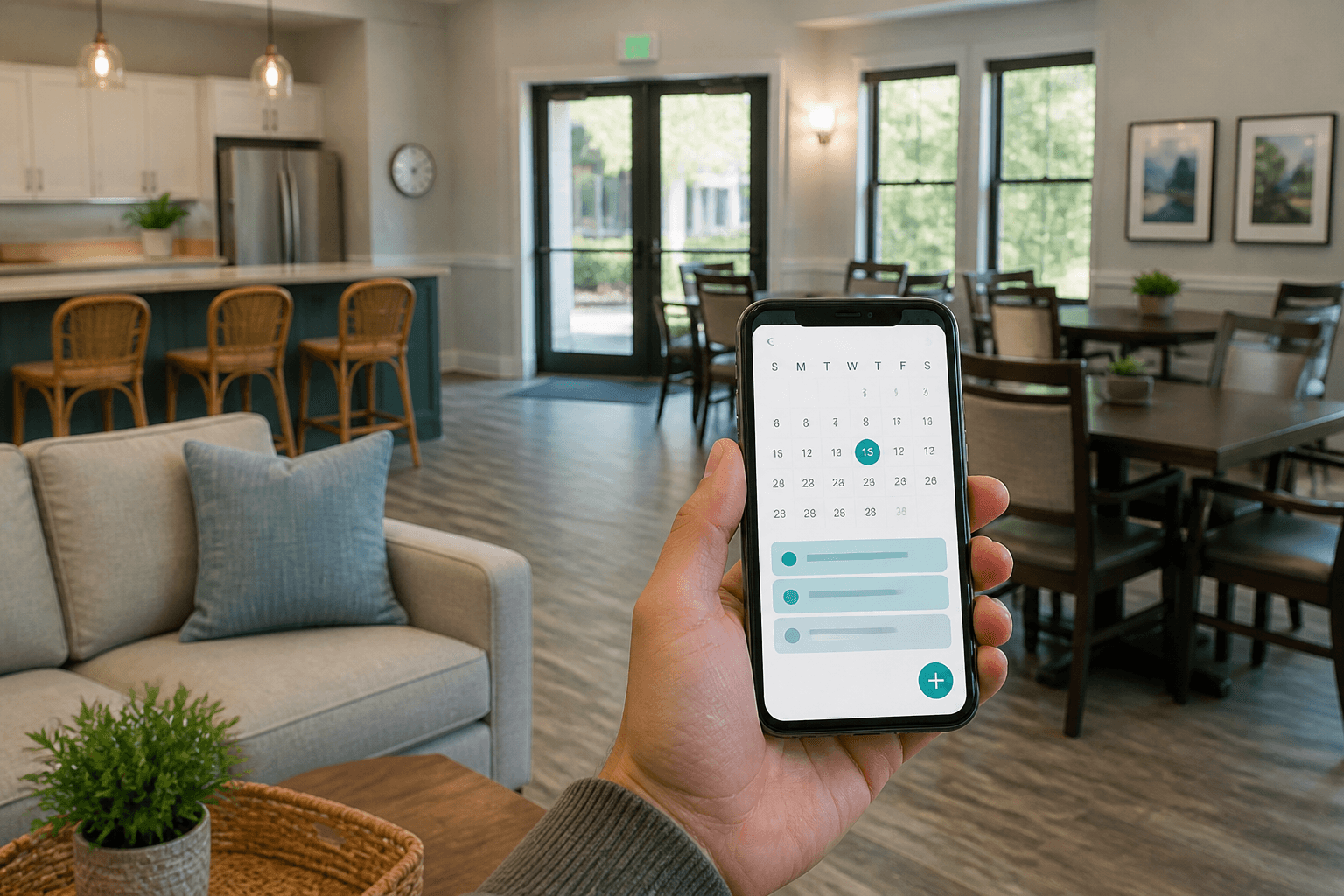
HoldATime vs Skedda / AllBooked
October 15, 2026
Skedda Workplace and AllBooked are different products. This comparison covers rooms, community booking, workplace tools, payments, and pricing.
HoldATime vs SuperSaaS
October 15, 2026
HoldATime and SuperSaaS both take bookings online. This comparison covers resource types, free plans, pricing, rules, and which organization each product is designed for.