How to Set Up Fair Court, Field & Amenity Reservations (Without Clipboards or Group Chats)
Date published: August 15, 2026
Updated: October 15, 2026
Last reviewed: September 29, 2026
Author: Kelly Fansler, Founder HoldATime
A practical guide for clubs, schools, churches, HOAs, and community groups: fair reservation rules, common tools, and a setup that works for courts, fields, rooms, kitchens, parking, and shared equipment.
Educational guide — not legal advice. Published August 2026.
The clipboard and group-chat problem
Shared spaces fail in the same way whether they are pickleball courts, a soccer field, a church kitchen, a clubhouse, guest parking, or a cart of shared equipment. Someone writes a name on a paper sheet. Someone else texts “is 6pm open?” in a group chat. A third person books the same hour on a personal calendar nobody else can see. By Saturday morning, two groups arrive, one sheet is missing, and the volunteer who “owns” the clipboard is the referee.
Double-booking is only the visible failure. The quieter costs are worse: people stop trusting the system, they hold extra slots “just in case,” and the same two or three organizers become the help desk. Paper sheets get wet, lost, or photographed and argued over. Spreadsheets drift out of date. Group chats bury the last confirmed time under unrelated messages. None of those tools can enforce a two-hour cap, a cleaning buffer, or a daily limit — so fairness depends on whoever is paying attention.
You do not need a country-club operations suite to fix this. You need a short written policy, a place everyone can see the live schedule, and rules that apply the same way to every booker. The rest of this guide is about those pieces. You can apply them with a clipboard, a spreadsheet, or dedicated software. The method matters more than the brand.
What fair reservation rules actually look like
“First come, first served” sounds fair until one household books every prime evening, or a coach holds a field all season with no release rule. Fair systems usually combine a few simple limits. Write them down before you pick a tool.
- Duration limits. A court or meeting room might allow 60–90 minutes. A clubhouse or kitchen might allow a half day. Equipment checkout might be a few hours. The limit should match how people actually use the space, not an arbitrary software default.
- Daily or rolling caps. One reservation per day, or a maximum number of active holds, stops a single person from stacking the calendar. Fields and courts need this more than a rarely used storage closet.
- Cleaning and turnover buffers. Kitchens, clubhouses, and meeting rooms need time between groups. Courts and fields often need a few minutes so the next group is not arguing over leftover gear.
- Advance windows. How far ahead someone may book. Too short and leagues cannot plan. Too long and the calendar fills with speculative holds. Many clubs use 7–30 days for casual play and a longer window for approved recurring use.
- Optional approvals. Use approval for paid events, alcohol in a clubhouse, or first-time guest groups — not for every Tuesday pickleball slot. If every booking waits on a volunteer, you have rebuilt the clipboard with extra email.
- Groups. Not everyone should see every resource. Coaches may book practice fields. Members may book further ahead, or hold more reservations, than Guests. Guests may need approval or a shorter window. A named group can replace the shared window, cap, duration, approval, units, or blackout while everyone else keeps the written default.
Publish the rules next to the booking link and on a poster at the space. A rule that lives only in a board member’s head is not a rule. It is a future argument.
What is different for HOAs
Volunteer HOA boards feel the same booking chaos, with extra pressure. Neighbors notice when the same household holds the clubhouse every weekend. Residents expect access that guests should not automatically get. There is rarely paid staff to approve every request, and nobody joined the board to become the weekend enforcer at the pool gate. A fair HOA system is usually resident-first, guest-aware, and light on approvals: clear limits, a public or resident schedule people can check themselves, and a paper trail when something goes wrong. If your community also needs documents, messaging, and a resident roster in one place, an HOA portal with reservations — such as HOAResidents.com — may fit better than a general booking tool. If you mainly need courts, rooms, or parking that members or the public can book, a dedicated amenity tool is enough.
Common methods and tools
Most organizations start with whatever is free and nearby. That is reasonable. It is also why the same problems repeat.
- Paper and clipboards. Cheap and visible on-site. They cannot prevent double-booking, they disappear, and they do not work for people who are not standing at the sheet.
- Shared spreadsheets. Better history than paper. Still easy to overwrite, hard to use on a phone at the field, and silent when two people edit the same cell.
- Group chats. Fast for a small team. Terrible as a system of record. Messages scroll away, newcomers cannot see last week’s holds, and there is no cap or buffer.
- General calendar tools (Google Calendar, Outlook, and similar). Fine for a staffed office with a few rooms. Weak for public booking, per-person caps, guest vs member rules, and a QR poster at a court.
- Dedicated reservation platforms. These exist because the methods above run out. Club-oriented products such as CourtReserve focus on tennis and pickleball operations. General schedulers such as SuperSaaS can book almost any resource. Apartment and HOA tools such as AmenityResy and HOAResidents.com tie bookings to residents or units. HoldATime is built for organizations that need fair amenity rules and a simple public page without an HOA roster.
Choose the lightest tool that can enforce the rules you already wrote. If you only have one meeting room and a staffed desk, a shared calendar may be enough. If you have courts, a kitchen, and weekend volunteers, you need something people can open from a phone without asking an admin.
Choosing reservation software
The tool should be the lightest one that can enforce the rules you already wrote. Common categories, from lightest to more specialized:
- Paper and manual methods. A clipboard works only while one person is the schedule.
- Spreadsheets. Useful for drafting rules. Easy for two people to overwrite the same cell.
- Shared calendars. Fine for a few internal rooms when everyone already has an account. Weak for public booking and per-person caps.
- General scheduling platforms. Flexible calendars you configure for almost any resource. You design the fairness rules.
- Dedicated court and club systems. Memberships, lessons, leagues, and court programming for racquet or paddle clubs.
- HOA and residential systems. Reservations limited to residents and guests inside a community platform. Public clubs and schools usually do not need that roster.
- Lightweight resource reservation systems. Courts, fields, rooms, parking, and equipment with booking limits, Groups, and a phone-friendly schedule.
Looking for specific products, features, and current pricing? See our reservation software comparison. For courts, the product page is court reservation software.
A step-by-step setup that works for any shared amenity
Use this sequence for tennis or pickleball courts, sports fields, clubhouse and community rooms, church kitchens, meeting or conference rooms, guest parking, and shared equipment. The words change; the order does not.
- Name the resource the way people say it. “Pickleball Court A,” “Field 2,” “Fellowship Kitchen,” “Guest Lot,” “Projector cart.” If two units can be booked independently, list them as separate amenities or as units under one amenity.
- Write the fair-use rules on one page. Duration, daily cap, buffer, advance window, who may book, and when approval is required. Get the board, staff, or committee to agree before anyone books.
- Decide who is a member, a guest, and the public. A school classroom may be staff-only. A municipal court may be open. An HOA clubhouse is usually residents, with guests as an exception. A church kitchen may be ministry teams plus approved outside groups. A named group such as Members or Guests can replace the shared window, cap, duration, approval, units, or blackout while everyone else keeps the written default.
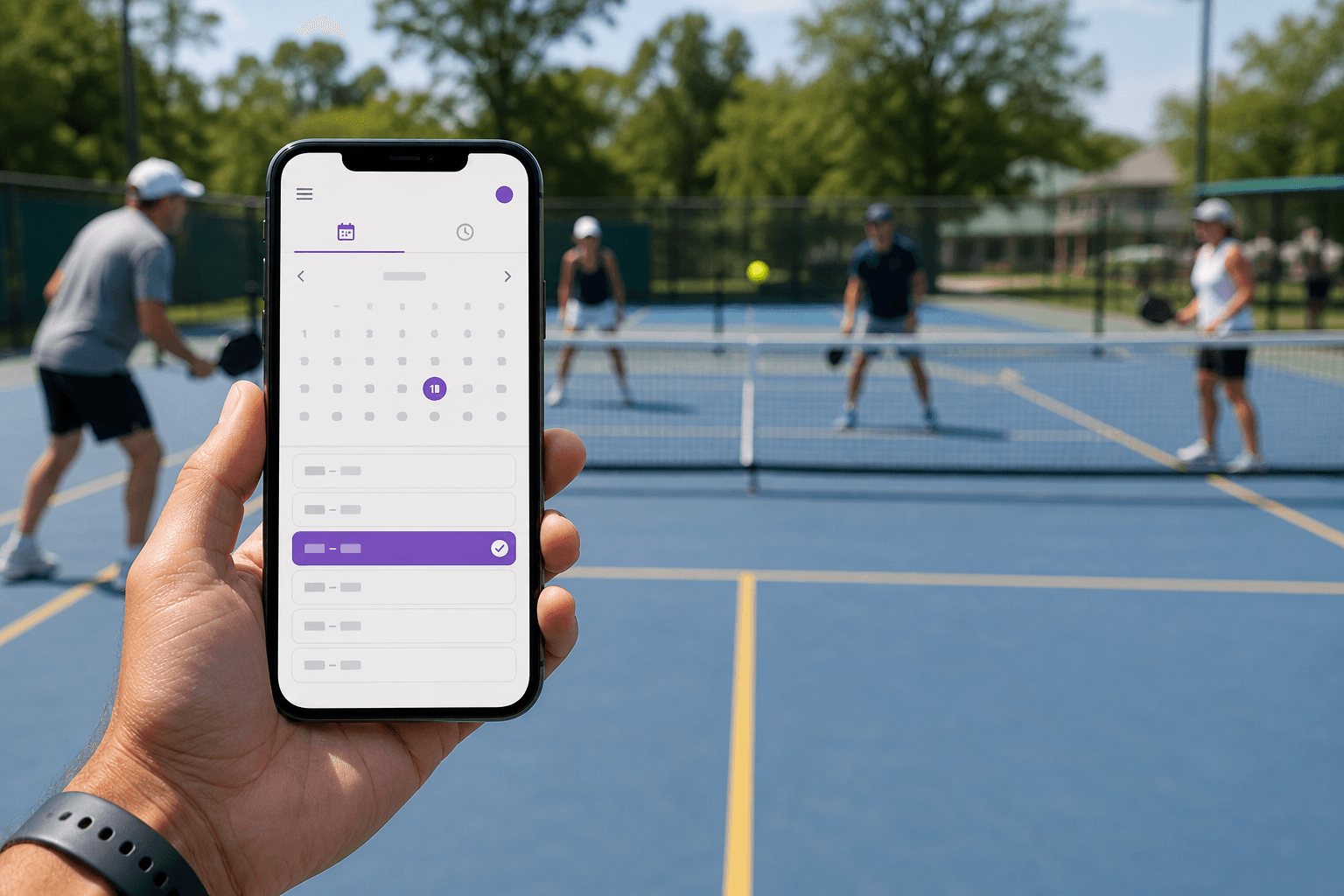
- Put the live schedule where the amenity is. A QR poster on the court fence, kitchen door, or parking sign beats a link buried in last month’s email. People should see “is this open?” without calling anyone.
- Run a one-week pilot on one amenity. Book a real slot, cancel it, and try an overlapping request. If two people can still collide, fix the rules or the tool before you add the rest of the catalog.
- Tell people once, in the places they already look. Newsletter, bulletin, team chat, and the poster. Include the rule summary and the booking link. Do not make the launch depend on a training session.
- Review after 30 days. Who is hitting caps? Which amenity is unused? Which rule caused the most questions? Adjust one rule at a time.
You can complete every step above with a well-kept spreadsheet. Software only earns its place when it makes the rules automatic and the schedule visible without a volunteer in the middle.
How HoldATime addresses each pain point
If you want a dedicated tool after the policy is written, HoldATime is built for this exact job. You do not have to use it to follow the steps above.
- Free to start. A public landing page, unlimited amenities and users, and up to 50 future reservations. No credit card. Core and Pro raise capacity when you outgrow Free — see pricing.
- Fair-use rules. Duration limits, advance windows, buffers, and optional approvals live on the amenity, not in a sidebar conversation.
- Groups. Limit who can see or book a court, field, kitchen, or cart so Members, Guests, league players, and staff are not looking at the same catalog. Members can book further ahead or hold more reservations, and Guests can require approval or a shorter window. See how Groups set different reservation rules. Groups are included in Core, School, and Pro, and not in Free.
- QR posters and passes. Print a poster at the space. Bookers get a confirmation they can show. The clipboard stays on the wall as a QR code, not a soggy sheet.
- Optional booking fees. Amenities stay free until you add a fee. Connect Stripe on Core or Pro (not Free); HoldATime keeps $0 and money goes to your organization’s Stripe account. See how to set up payments for amenity reservations.
- Simple public booking page. Open the page to anyone, limit it to registered members of that organization, or turn the public page off. HOAs that need a full resident portal can still use HOAResidents.com reservations instead.
Checklist and next step
- List every court, field, room, kitchen, parking area, and equipment item people already fight over.
- Write duration, cap, buffer, advance window, and approval rules on one page.
- Decide member vs guest vs public for each amenity.
- Put a live schedule (link or QR) at the physical space.
- Pilot one amenity for a week, then expand.
- Review caps and complaints after 30 days.
If you want the schedule and the rules in one place, you can start free on HoldATime and add your first resource in a sitting. Compare plans on the pricing page. If you only needed the policy, you already have the useful part.
Frequently asked questions
How do you set up fair court or field reservations?
Write duration, daily caps, buffers, and who may book on one page. Put a live schedule at the space (a QR poster works well), run a one-week pilot on one amenity, then expand. Software is optional until the rules are written.
Do we need reservation software, or is a spreadsheet enough?
A well-kept spreadsheet can work for a small group. Software earns its place when it enforces caps automatically, shows a live calendar without a volunteer in the middle, and lets people book from a poster at the court, field, or room.
Can parking or rooms stay free and still require a pass?
Yes. Fair reservations are about a hold and a visible pass, not a fee. Charge only when the organization sets a price. Overnight and multi-day holds are a policy choice, not a software requirement.
Can Members and Guests follow different rules on the same resource?
Yes. A named group such as Members or Guests can replace the shared advance window, booking cap, duration, approval, units per booking, or blackout. Everyone else keeps the written default. A custom rule does not let a guest book a resource that is limited to Members. Groups are included in Core, School, and Pro, and not in Free.
Start with a fair reservation system
HoldATime is free to start — fair-use rules, Groups, QR posters, and a public booking page. No credit card required.
More guides
HoldATime vs CourtReserve
October 15, 2026
HoldATime books shared resources. CourtReserve runs racquet and paddle club operations. This comparison covers courts, memberships, lessons, and pricing.
HoldATime vs Skedda / AllBooked
October 15, 2026
Skedda Workplace and AllBooked are different products. This comparison covers rooms, community booking, workplace tools, payments, and pricing.
HoldATime vs SuperSaaS
October 15, 2026
HoldATime and SuperSaaS both take bookings online. This comparison covers resource types, free plans, pricing, rules, and which organization each product is designed for.