What you can reserve with HoldATime
Date published: October 25, 2026
Updated: October 25, 2026
Last reviewed: October 25, 2026
Author: Kelly Fansler, Founder HoldATime
A catalog of resource types you can reserve with HoldATime: courts, fields, batting cages, bowling lanes, karaoke rooms, PCs, workstations, parking, campsite pads, schools, and specialty spaces.
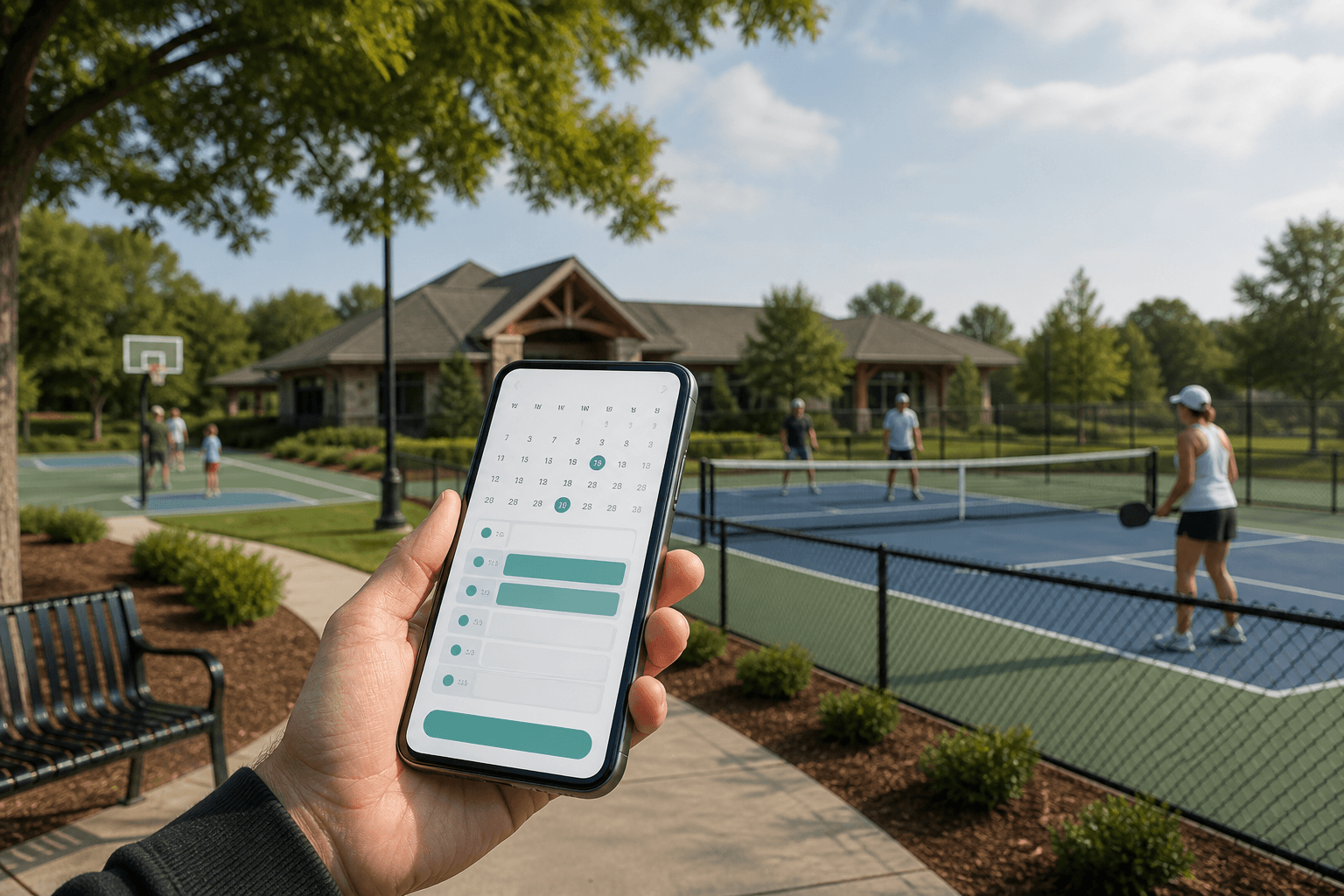
HoldATime is online reservation software for shared resources — not only tennis courts and clubhouses. If a space or item has a name, a clock, and people arguing over who has it, it can be a HoldATime resource: numbered units when more than one can be booked at once, rules for duration and who may book, and a QR pass people show on site.
This page is the catalog. The how-to lives in how to set up reservations and how to set up fair reservations. Compare products in the reservation software comparison.
Courts, fields, and cages
Short holds, high contention at evenings and weekends, and a QR poster at the fence. See court reservation software, fair tennis and pickleball court reservations, practice scheduling, and team practice scheduling.
- Tennis and pickleball courts. Numbered courts, duration caps, and a poster on the fence so players book the open slot instead of a group chat.
- Basketball and volleyball courts. Gym or outdoor courts with practice-length blocks and buffers between games.
- Racquetball and squash courts. Indoor courts with short holds and fair-use caps so one pair cannot stack prime time.
- Sports fields. Soccer, baseball, football, and multi-use fields for practices and games, often with recurring coach blocks.
- Batting cages. Numbered cages the same way you number courts. Coaches and teams hold a cage without a clipboard at the tunnel.
Lanes and numbered bays
A bowling lane, a swim lane, and Court 1 use the same model: one resource, many numbered units, one person per unit at a time. See bowling lanes and swim lanes for setup.
- Bowling lanes. Lane 1–12 with duration caps and a QR poster at the desk or the approach.
- Shooting-range lanes. Numbered lanes with optional approval or intake questions for range rules. See multiple approvers and questions on a reservation.
- Swim lanes. Pool time or individual lanes so lap swim does not collide with a team set.
- Track lanes. Practice blocks on numbered lanes for clubs and schools.
- Golf-simulator and driving-range bays. Numbered bays with a booking window and a pass at the stall.
Rooms and gathering spaces
Half-day events, cleaning buffers, and optional review before a large hold sticks. See clubhouse and community room reservation software, meeting room reservation software, and clubhouse reservation rules.
- Clubhouse and community rooms. Parties, meetings, and gatherings with hourly or all-day holds.
- Meeting and conference rooms. Staff, committees, and class periods on a shared calendar.
- Karaoke rooms. Private rooms with a duration cap, a cleaning buffer, and optional approval or a deposit question.
- Church kitchens and fellowship halls. The same room flow clubs already use — HoldATime does not ship a church-specific module. Name the kitchen, set buffers, and limit who may book.
- Classrooms and study rooms. Period-length holds for schools and libraries. See school facility scheduling.
- Music practice and rehearsal rooms. Numbered rooms with short holds so the next group is not waiting in the hall.
Parking and overnight
Many short holds, a pass people can show, and units that match real stalls. See guest parking reservation software and guest parking reservations.
- Guest spots and numbered stalls. Spot 1–12 instead of one “guest lot” that overbooks.
- Overnight holds. Multi-day parking when guests stay past one evening.
- Trailer and overflow lots. Longer holds for events, games, or maintenance vehicles.
- Campsite (tent / RV pads). Numbered tent and RV pads with multi-day holds and a pass at the pad.
Pools, fitness, and outdoor
Home already lists pools, fitness, and outdoor areas. They use the same resource setup as rooms and courts.
- Pool time and cabanas. Whole-pool windows or numbered cabanas with a pass at the gate.
- Gyms and rec centers. Access windows or studio rooms so the floor is not a free-for-all.
- BBQ, picnic shelters, and pavilions. Outdoor gathering spaces with duration caps and a poster at the shelter.
- Fire pits. Evening holds so two groups are not lighting the same pit.
- Community garden plots. Seasonal or weekly holds on numbered plots.
Equipment, computers, and workstations
If people check it out and bring it back, it can be a resource. See equipment reservation software and shared equipment reservations.
- Shared tools and sports gear. Pressure washers, bikes, carts, and ball bags with a return time.
- Projectors and carts. Classroom and meeting equipment that moves between rooms.
- PCs and personal computers. Numbered machines in a lab or lounge so two people cannot claim the same seat.
- Workstations and hot desks. Coworking seats booked by the hour or the day.
- Computer-lab seats. School or club labs with a class-period window.
- 3D printers and maker tools. Checkout windows plus questions for material or safety rules.
Schools
Public schools and districts book rooms, gyms, fields, and labs on one calendar. See school facility scheduling and how to schedule school rooms, gyms, and fields.
- Classrooms and meeting rooms. Staff or teacher holds without double booking the same period.
- Gyms and fields. Athletics, PE, and community use with Groups for who may book.
- Computer labs. Numbered PCs or the whole lab as one resource for a class block.
Specialty and other unique uses
These are still a named resource, units if needed, and a time window. Use approvers or booking questions when access, deposits, or safety rules matter.
- Theaters and green rooms. Rehearsal and performance holds with a buffer for strike.
- Maker spaces and workshops. Open-shop hours or numbered benches.
- Welding booths. Short, numbered booths with optional approval.
- VR rooms and escape rooms. Timed sessions so the next group is not waiting at the door.
- Podcast and photo studios. Quiet rooms booked by the hour.
- Boat slips and kayak racks. Numbered storage or dock time.
- EV chargers. Stall-length holds so one vehicle cannot occupy the charger all day.
- Laundry machines. Numbered washers and dryers in a shared laundry.
- Storage lockers. Short-term locker assignments with a clear window.
- Guest suites. Overnight rooms with stay dates, not hourly courts.
- Pool tables. Table 1–4 with a duration cap in a rec room.
- Climbing-wall time slots. Session holds when the wall cannot take everyone at once.
- Ice-rink and curling sheets. Numbered sheets or ice time for clubs and public skate.
If it has a name and a clock
You do not need a different product for bowling lanes, karaoke rooms, or computer labs. Name the resource, add units, set the rules, and publish. Start free, compare pricing, or read the software comparison when you are choosing a tool.
Frequently asked questions
What kinds of resources can you reserve with HoldATime?
Any shared resource with a name, optional numbered units, and a time window: courts, fields, cages, bowling and shooting-range lanes, rooms, karaoke rooms, parking, campsite tent and RV pads, pools, equipment, PCs, workstations, school facilities, and specialty spaces such as maker shops or boat slips. You configure the resource; HoldATime does not ship a separate product for each type.
Can you reserve bowling lanes, batting cages, or shooting-range lanes?
Yes. Treat each lane or cage as a numbered unit under one resource, the same way clubs number Court 1–4. Duration caps, buffers, and a QR poster at the lane work the same as they do on a tennis court.
Can you reserve karaoke rooms, PCs, or workstations?
Yes. A karaoke room is a room resource with duration, a cleaning buffer, and optional approval. PCs, computer-lab seats, and workstations are numbered units people check out for a block of time, like shared equipment.
Do we need a different product for each resource type?
No. Courts, clubhouses, parking, equipment, and specialty rooms use the same HoldATime resource: a name, units if you have more than one, rules, and a booking page. Dedicated stories and solution pages explain the common setups; they are not separate products.
Where do we start after picking a type?
Create the resource, add units if people book them independently, write duration and who may book, then publish the page and hang a QR poster. The setup walkthrough and the fair-reservations guide cover the order.
Start with a fair reservation system
HoldATime is free to start — fair-use rules, Groups, QR posters, and a public booking page. No credit card required.
More guides
Parking reservation software compared: reservations, permits & enforcement
October 25, 2026
Compare parking products by the job you need: reservations, permits, payments, or enforcement. Includes Lotably for citations and permit billing. Pricing and features checked against vendor pages.
HoldATime vs CourtReserve
October 15, 2026
HoldATime books shared resources. CourtReserve runs racquet and paddle club operations. This comparison covers courts, memberships, lessons, and pricing.
HoldATime vs Skedda / AllBooked
October 15, 2026
Skedda Workplace and AllBooked are different products. This comparison covers rooms, community booking, workplace tools, payments, and pricing.